
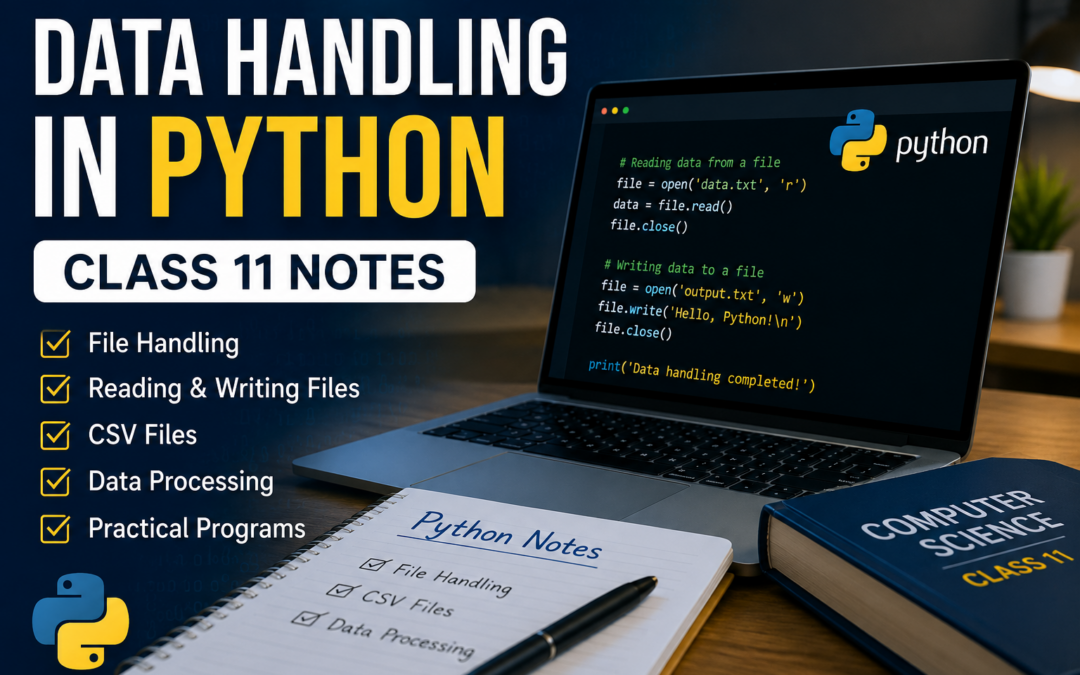
Are you looking for Data Handling in Python Class 11 Notes PDF for exams, assignments, and revision? You are at the right place. We have created detailed and beginner-friendly Class 11 Python Data Handling Notes with explanations, examples, programs, and important questions.
These notes are designed for school students who want to understand data handling concepts in Python in a simple and practical way.
What is Data Handling in Python?
Data handling refers to the process of storing, reading, writing, organizing, and managing data using programming techniques.
In Python, data handling is mainly performed using:
- Files
- Lists
- CSV files
- File operations
Data handling is an important topic because it helps programs save and process information efficiently.
Why is Data Handling Important?
Data handling is used in many real-world applications such as:
- Student management systems
- Banking applications
- Data analysis
- Websites and software
- Record management systems
Learning data handling improves programming logic and practical coding skills.
Topics Covered in These Notes
This PDF covers all important Class 11 Python Data Handling concepts.
Included Topics:
- Introduction to Data Handling
- Types of Data
- File Handling in Python
- Opening and Closing Files
- Reading Data from Files
- Writing Data into Files
- Appending Data
- File Pointer Functions
- CSV Files in Python
- Exception Handling
- Data Handling Using Lists
- Practical Python Programs
- Viva Questions
- MCQs and Important Questions
- Revision Notes
File Handling in Python
File handling allows Python programs to store data permanently.
Common File Modes:
| Mode | Meaning |
|---|---|
r | Read file |
w | Write file |
a | Append data |
rb | Read binary file |
wb | Write binary file |
Example Program – Write Data into File
file = open("student.txt", "w")

file.write("Welcome to Python")

file.close()

print("Data written successfully")
Output:
Data written successfully
Example Program – Read Data from File
file = open("student.txt", "r")

data = file.read()

print(data)

file.close()
Output:
Welcome to Python
Working with CSV Files
CSV stands for Comma Separated Values. CSV files are used to store tabular data such as:
- Student records
- Marksheets
- Employee data
Python provides the built-in csv module to work with CSV files easily.
Example Program – Read CSV File
import csv

file = open("students.csv", "r")

data = csv.reader(file)

for row in data:
    print(row)

file.close()
Exception Handling in File Operations
Sometimes errors occur while working with files. Python uses exception handling to manage these errors.
Common Errors:
- File not found
- Permission denied
- Wrong file mode
Example:
try:
    file = open("demo.txt", "r")
    print(file.read())

except FileNotFoundError:
    print("File does not exist")
Download Data Handling in Python Class 11 Notes PDF
Click below to download the complete PDF with notes and programs:
Click here to Download Data Handling in Python Class 11 PDF (free)
Benefits of These Notes
- Easy explanations for beginners
- Covers complete Class 11 syllabus
- Includes practical Python programs
- Helpful for school exams and viva
- Printable and student-friendly format
- Perfect for quick revision
Who Should Use These Notes?
These notes are ideal for:
- Class 11 students
- Beginners learning Python
- School exam preparation
- Computer science students
- Teachers and tutors
Tips to Learn Data Handling Faster
Practice File Programs
Try writing and reading files regularly.
Understand File Modes
Learn the difference between read, write, and append modes.
Solve Practical Questions
Practice small real-life examples.
Debug Errors
Understand and fix coding mistakes carefully.
Common Mistakes Students Make
- Forgetting to close files
- Using wrong file modes
- Incorrect file names
- Syntax mistakes in programs
- Not handling exceptions properly
Quick Revision Notes
- File handling stores data permanently
open()opens filesclose()closes files- CSV files store tabular data
- Exception handling manages errors
- Lists help process data easily
Final Words
Data handling is one of the most practical and important topics in Python programming. Understanding file handling and data processing helps students build strong programming skills and prepares them for advanced concepts in computer science.
Download the complete PDF now and start learning Data Handling in Python today
More Study Material
Stay connected for more:
- Python Notes PDF
- Java Programs for Students
- HTML and CSS Guides
- MCQs and Question Papers
- Coding Projects for Beginners